Introduction to Python Programming
Watch this topic in 60 seconds
Free preview · Lesson 1
Understanding Introduction to Python Programming
Welcome to Python Programming!
Imagine you have a super-smart robot, but it only understands very specific instructions. If you want it to make you a sandwich, you can't just say, "Make me a sandwich!" You have to tell it every single step: "Go to the fridge," "Open the fridge door," "Take out the bread," "Close the fridge door," "Put two slices of bread on the counter," and so on. Programming is exactly like giving those detailed instructions to a computer!
What is Programming?
At its heart, programming is the art of giving a computer a set of instructions to follow. These instructions are called 'code,' and when the computer follows them, it performs tasks for us, like showing a webpage, playing a game, or crunching numbers. Think of a computer as a super-fast, super-obedient chef. It can cook anything you want, but you have to give it a recipe (your code) that explains exactly what to do, step by step, without missing anything!
Introducing Python: Your Friendly Programming Language
Just like humans speak different languages (English, Spanish, Mandarin), computers also have many programming languages they understand. Some are complicated, like trying to learn ancient hieroglyphs. But Python? Python is like the English of programming languages – it's known for being clear, easy to read, and relatively simple to learn, especially for beginners!
Python was created by a friendly programmer named Guido van Rossum in the late 1980s. He wanted a language that was powerful but also very readable, almost like plain English. That's why it's such a popular choice for everything from building websites and games to powering scientific research and artificial intelligence. It's truly a versatile superpower!
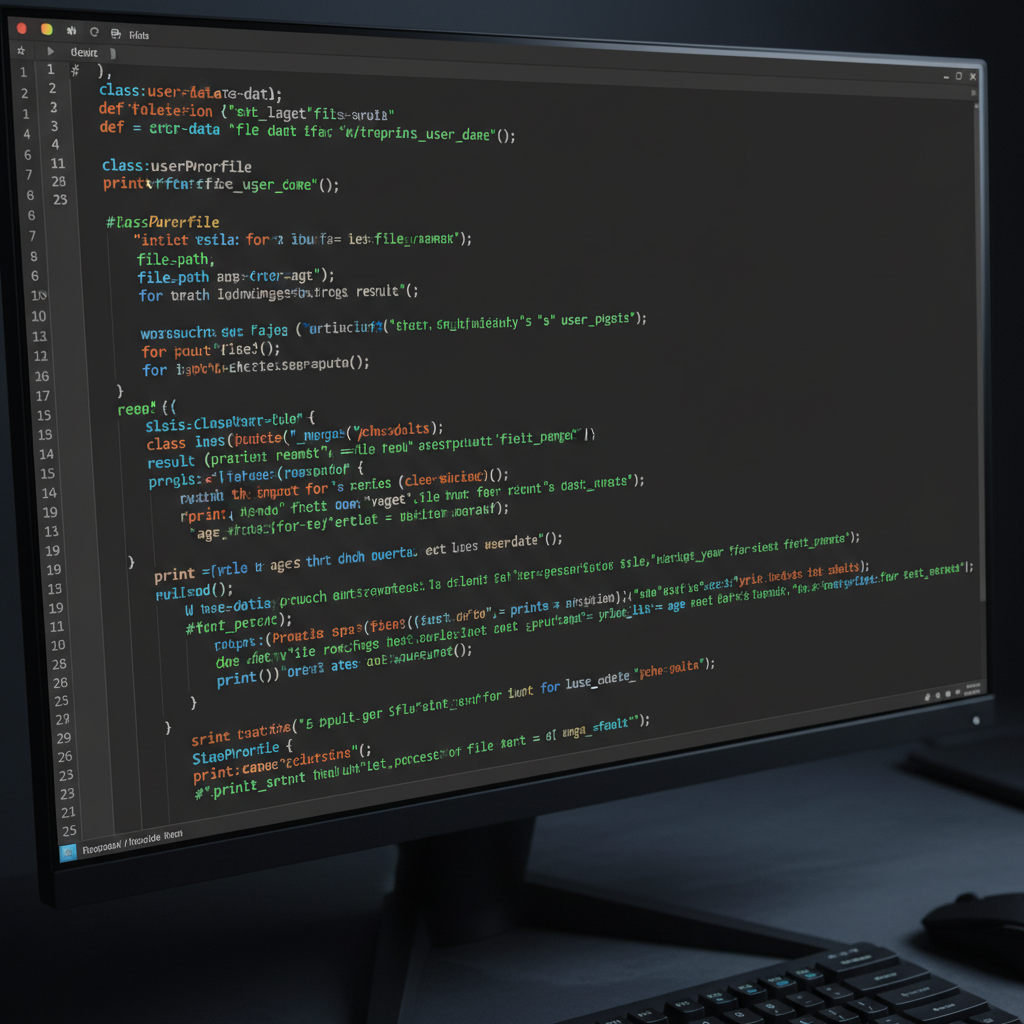 ⚠️ This picture may have spelling mistakes. Trust the words in the lesson.
Why Learn Python?
- It's Easy to Read and Write: Python's design emphasizes readability, meaning its code looks a lot like plain English. This makes it easier to understand what's happening and to spot mistakes.
- It's Everywhere: Python is used by huge companies like Google, Netflix, Instagram, and even NASA! Learning Python opens doors to many exciting fields.
- It's Versatile: Want to build a website? Make a game? Analyze data? Control a robot? Python can do all of that and more! It's like a Swiss Army knife for coders.
- It Has a Huge Community: If you ever get stuck (and you will, everyone does!), there are millions of other Python programmers around the world ready to help you out.
Your First Steps: Basic Building Blocks of Python
1. Variables: The Labeled Boxes of Your Program
Imagine you have a bunch of empty boxes, and you want to store different things inside them. To remember what's in each box, you stick a label on it, like "My Age" or "Favorite Color." In programming, these labeled boxes are called variables.
A variable is a name you give to a spot in the computer's memory where you can store a piece of information. You can change what's inside the box later, just like you can put new items into a labeled box.
# Example of creating variables in Python:
my_age = 13         # Here, 'my_age' is the label, and 13 is the item inside the box.
favorite_color = "blue" # 'favorite_color' is the label, and "blue" is the item.
pi_value = 3.14159  # 'pi_value' is the label, and 3.14159 is the item.
is_student = True   # 'is_student' is the label, and True is the item.
Notice the = sign? That's not "equals" in the math sense; in programming, it means "assign" or "put this value into that variable." So, my_age = 13 means "put the number 13 into the variable named my_age."
2. Data Types: What Kind of Stuff is in Your Boxes?
Different boxes hold different kinds of items. One box might hold numbers, another might hold text, and a third might hold a simple "yes" or "no." In Python, these different kinds of information are called data types.
-
Integers (`int`): Whole Numbers
These are like counting numbers: 1, 10, -5, 1000. They don't have any decimal points.
number_of_apples = 5 temperature_outside = -10 -
Floats (`float`): Numbers with Decimal Points
If you need to represent fractions or numbers with decimals, like prices or measurements, you use floats.
price_of_item = 19.99 height_in_meters = 1.75 -
Strings (`str`): Text
A string is a sequence of characters, like letters, numbers, and symbols. We use quotation marks (single
' 'or double" ") around strings to tell Python it's text, not a variable name or a number.greeting = "Hello, world!" my_name = 'Alice' city = "New York 123" -
Booleans (`bool`): True or False
Sometimes you just need to store a simple "yes" or "no" answer. Booleans can only have two values:
TrueorFalse. Notice they start with a capital letter!is_sunny = True game_over = False
3. Input and Output: Talking to Your Program
For your robot to be useful, it needs to be able to talk to you (give you information) and listen to you (take instructions). In Python, we have special functions for this.
-
`print()`: Making Your Program Talk
The
print()function is how your Python program displays information on the screen. It's like the robot speaking!print("Hello, 8th graders!") print(my_age) # This will print the value stored in the 'my_age' variable (e.g., 13) print("My favorite color is", favorite_color) # You can print multiple things at once! -
`input()`: Making Your Program Listen
The
input()function allows your program to ask the user a question and then wait for them to type something and press Enter. Whatever they type becomes a string that you can store in a variable.# Example of asking for user input: user_name = input("What is your name? ") print("Nice to meet you,", user_name) favorite_number_str = input("What is your favorite number? ") # input() always gets text (string), even if you type a number! # If you want to use it as a number, you need to convert it (we'll learn this later!)
4. Operators: Doing Math with Your Program
Just like you use tools to fix things, programmers use operators to perform actions on data, especially numbers.
-
Arithmetic Operators: Basic Math
These are like your calculator's buttons:
+(Addition):5 + 3results in8-(Subtraction):10 - 4results in6*(Multiplication):6 * 2results in12/(Division):10 / 2results in5.0(always a float!)//(Floor Division):10 // 3results in3(whole number result, discards remainder)%(Modulo - Remainder):10 % 3results in1(the remainder after division)**(Exponentiation):2 ** 3results in8(2 to the power of 3, or 2*2*2)
result = 15 + 7
print(result) # Output: 22

apples = 10
eaten = 3
remaining_apples = apples - eaten
print("Remaining apples:", remaining_apples) # Output: Remaining apples: 7

total_cost = 5 * 2.50
print("Total cost:", total_cost) # Output: Total cost: 12.5
5. Comments: Notes for Humans
Imagine writing a super complicated recipe. You might add little notes to yourself or to someone else who will use the recipe later, like "Make sure eggs are at room temperature!" These notes aren't part of the actual cooking steps; they're just explanations.
In programming, comments are lines of text within your code that the computer completely ignores. They are there purely for humans to read and understand what the code is doing, why it's doing it, or to remember something important. In Python, you start a comment with a # symbol.
# This is a single-line comment. The computer will skip this line.
name = "Charlie" # You can also put a comment at the end of a line of code.

# This program calculates the area of a rectangle.
length = 10
width = 5
area = length * width # Multiply length by width to get the area
print("The area is:", area)
Good comments make your code much easier to understand, especially when you come back to it weeks or months later, or if someone else needs to work with your code.
Putting It All Together: A Simple Python Program
Let's try to combine some of these basic ideas into a tiny program that asks for your name and age, then greets you and tells you how many years until you're 18.
# This is a simple greeting program
print("Hello! Welcome to our Python lesson.")

# Ask the user for their name
user_name = input("What is your name? ")

# Ask for their age, and convert it to a number (integer)
# input() gives us text, so we use int() to change it to a whole number.
user_age_str = input("How old are you? ")
user_age = int(user_age_str) # Converting the text age to a number

# Greet the user
print("Nice to meet you,", user_name + "!")

# Calculate years until 18
years_to_18 = 18 - user_age

# Print the result
print("You have", years_to_18, "years until you are 18.")

# A little check (we'll learn more about conditions later!)
if years_to_18 <= 0:
    print("Looks like you're already 18 or older! Congrats!")
Don't worry if all of this seems like a lot right now. Learning to program is like learning to ride a bike – you start with training wheels, you fall a few times, but with practice, you'll be zipping around in no time! The most important thing is to start experimenting and have fun. Happy coding!
Keep learning, free
Create a free Syllabax account to unlock practice questions and games for this topic.
Visual Learning Enhanced! 🚀
To help you master this topic, we use Advanced Syllabax AI to generate detailed diagrams and visual models.
Note on Visuals: The AI sometimes makes spelling errors in image labels. Please refer to the lesson text for the correct terminology.