What is a Folder?
Watch this topic in 60 seconds
Free preview · Lesson 1
Understanding What is a Folder?
What is a Folder? Your Digital Toy Box!
Hello, young learners! Today, we're going to learn about something super helpful on computers called a folder. Think of a folder as a special box or a tidy drawer where you keep things organized. It helps us keep all our computer stuff neat and easy to find!
Imagine Your School Folder
Do you have a folder for school? You know, the one where you keep your drawings, your math papers, and your story assignments? When you put all your drawings in one folder, your math papers in another, and your stories in a third, it's really easy to find what you need, right?
If you just put all your papers in a big messy pile, it would take a long, long time to find that one special drawing you made last week! A folder helps you avoid that big mess. It keeps similar things together.
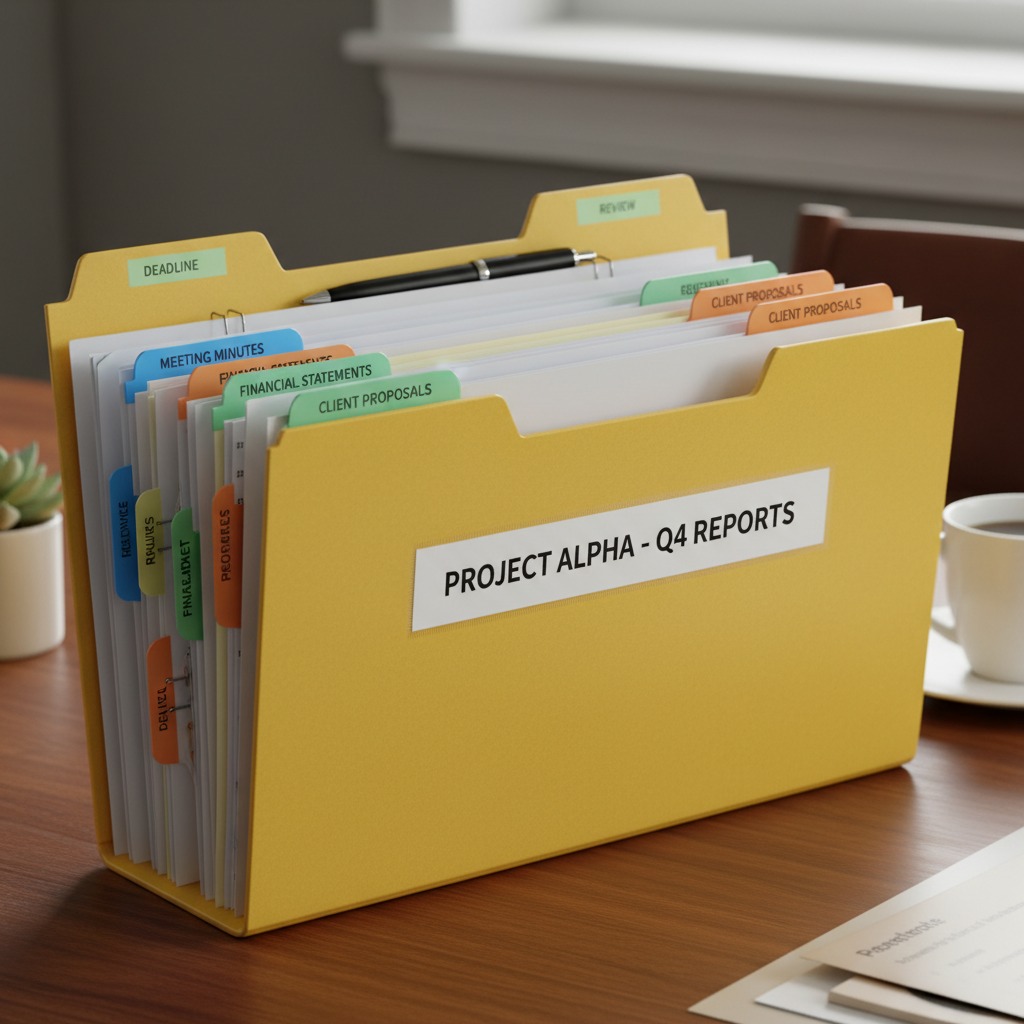
Think of a Toy Box!
Now, let's think about your toys! Imagine you have a big toy box. You might put all your building blocks in one corner, your toy cars in another, and your stuffed animals in a special basket inside the box. Each little section or basket is like its own mini-folder, isn't it?
If all your toys were just dumped on the floor in one giant pile, it would be hard to find that one specific superhero action figure you want to play with. But if you know 'all my action figures are in this small box,' it's super quick to find them!
What Does a Computer Folder Do?
A computer folder works exactly the same way, but instead of holding physical papers or toys, it holds digital things. What are digital things? They are things like:
- Pictures: All your amazing drawings or photos you take.
- Stories: The stories you type on the computer.
- Songs: Your favorite songs you listen to.
- Videos: Movies or clips you watch.
- Games: The games you play!
All these things are called files. So, a computer folder is a place where you keep your computer files organized.
Why Are Folders So Important?
Folders are super important because they help us:
- Keep things neat: Just like tidying your room, folders keep your computer tidy.
- Find things fast: When you know your 'Picture Day Photos' are in the 'Pictures' folder, you don't have to look everywhere!
- Stop feeling lost: Imagine trying to find one specific drawing from a giant pile of hundreds of drawings. That would be frustrating! Folders prevent that frustration.
- Share things easily: If you want to show your teacher all your math homework, you can just point to your 'Math Homework' folder.
How Do We Use Folders?
It's very easy to use folders!
- Making a new folder: It's like opening a brand new empty school folder. You just tell the computer to 'make a new folder.'
- Naming your folder: This is a super important step! Just like you might write 'Math' on your math folder or 'Drawings' on your art folder, you need to give your computer folder a good name. For example, 'My Animal Pictures,' 'My Story About Dogs,' or 'School Project.' A good name helps you know exactly what's inside.
- Putting files into a folder: This is like putting your papers into your school folder. On the computer, you can 'drag and drop' a file into a folder. It's like picking up a toy and putting it into its special basket!
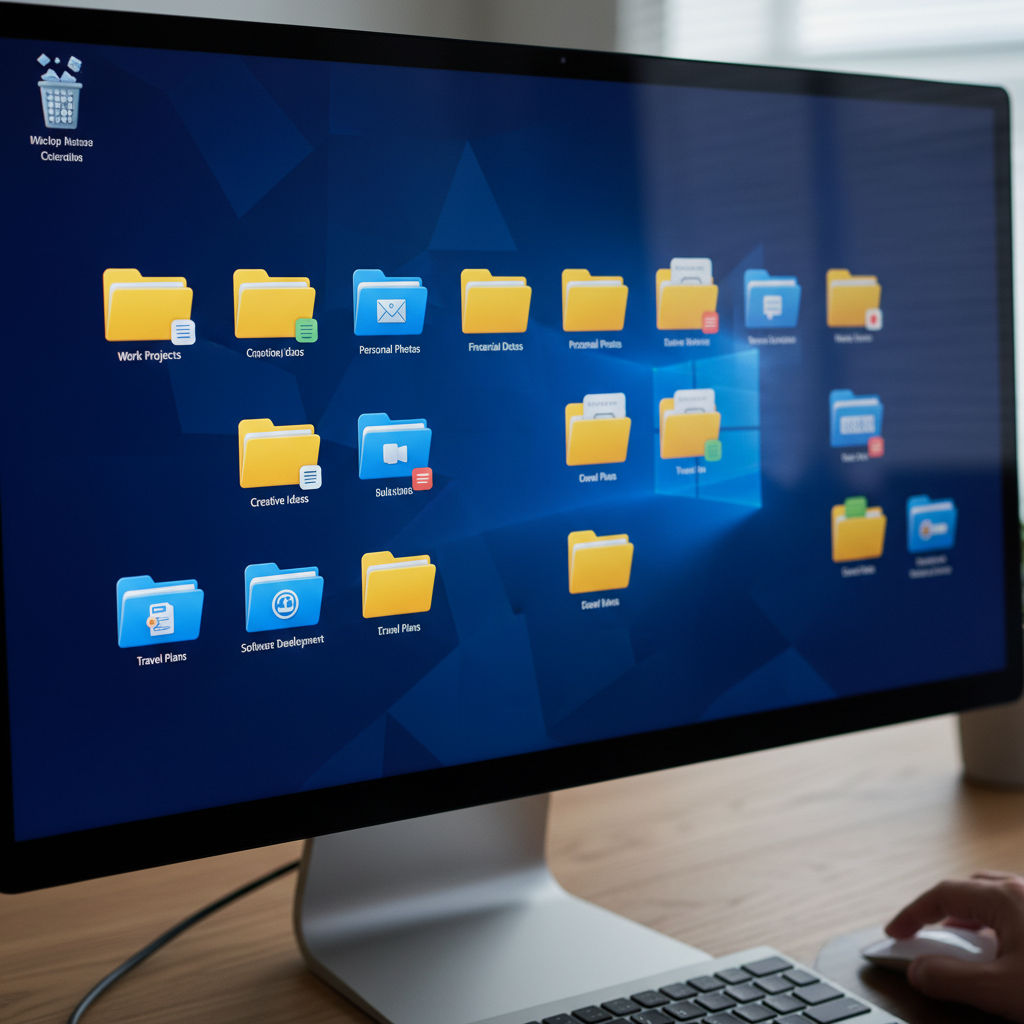 ⚠️ This picture may have spelling mistakes. Trust the words in the lesson.
Folders are Everywhere!
You might see folders on your desktop, inside other folders, or when you open up certain programs. They all do the same job: helping you keep your digital life neat and organized. Think of them as your friendly digital librarians, always ready to help you find what you need!
So, next time you're on a computer, remember that little folder icon is there to help you be super organized and find all your wonderful digital creations quickly and easily. Keep your digital world tidy, and everything will be much easier!
Keep learning, free
Create a free Syllabax account to unlock practice questions and games for this topic.
Visual Learning Enhanced! 🚀
To help you master this topic, we use Advanced Syllabax AI to generate detailed diagrams and visual models.
Note on Visuals: The AI sometimes makes spelling errors in image labels. Please refer to the lesson text for the correct terminology.