Computers at School
Watch this topic in 60 seconds
Free preview · Lesson 1
Understanding Computers at School
Welcome to the World of Computers at School!
Hello, super learners! Today, we're going on an exciting adventure to explore a very special friend we have at school: the computer! Have you ever seen a computer? Maybe you have one at home, or you've seen grown-ups using them. At school, computers are like our helpful robots that make learning extra fun and easy!
What is a Computer? Think of it like a Super Smart Helper!
Imagine you have a friend who knows a lot of stories, can draw amazing pictures, and is super fast at counting. That's a bit like a computer! A computer is a clever machine that helps us do many, many things. It can show us videos, play learning games, help us write words, and even draw colorful pictures. It's like a magic box that helps our brains grow!
Meet the Computer Family: The Important Parts!
Just like you have a head, arms, and legs, a computer also has different parts that work together to help it do its job. Let's meet some of them:
-
The Screen (or Monitor): Your Window to Learning!
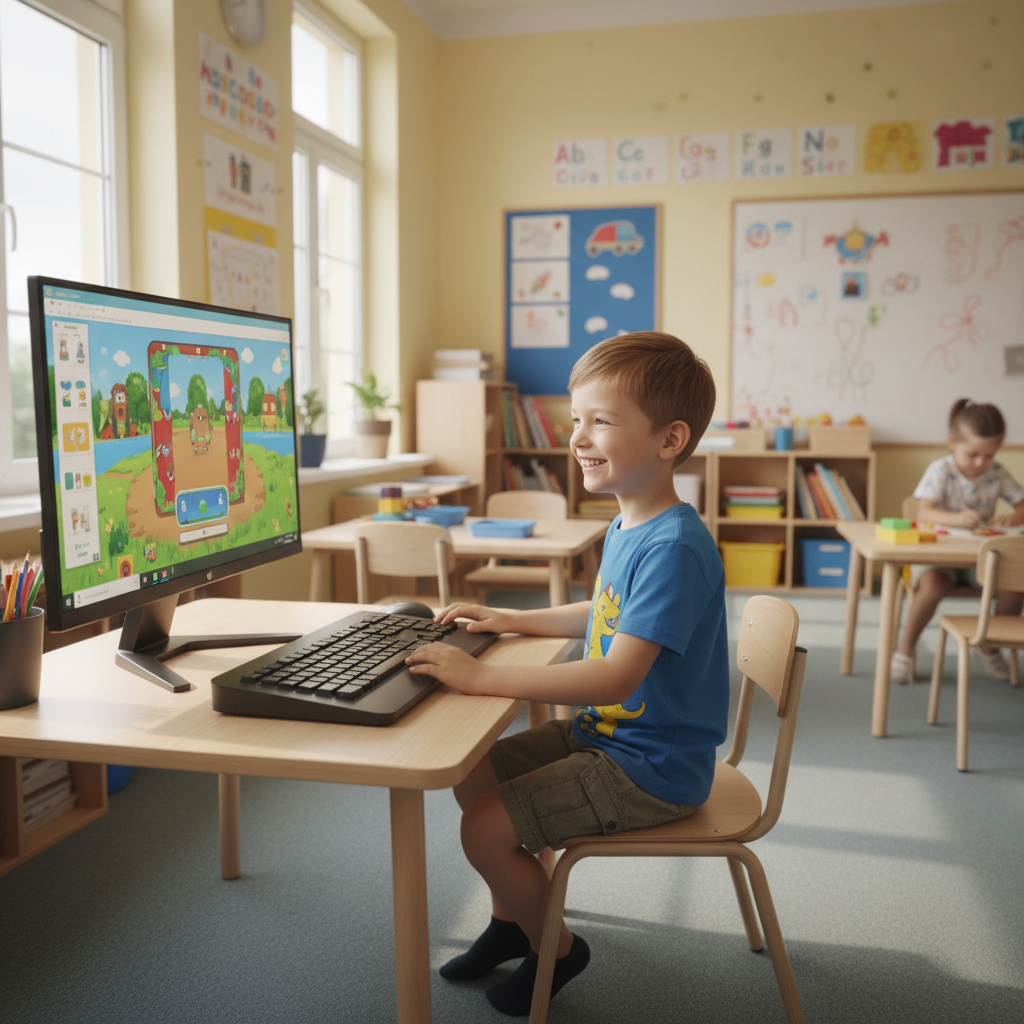
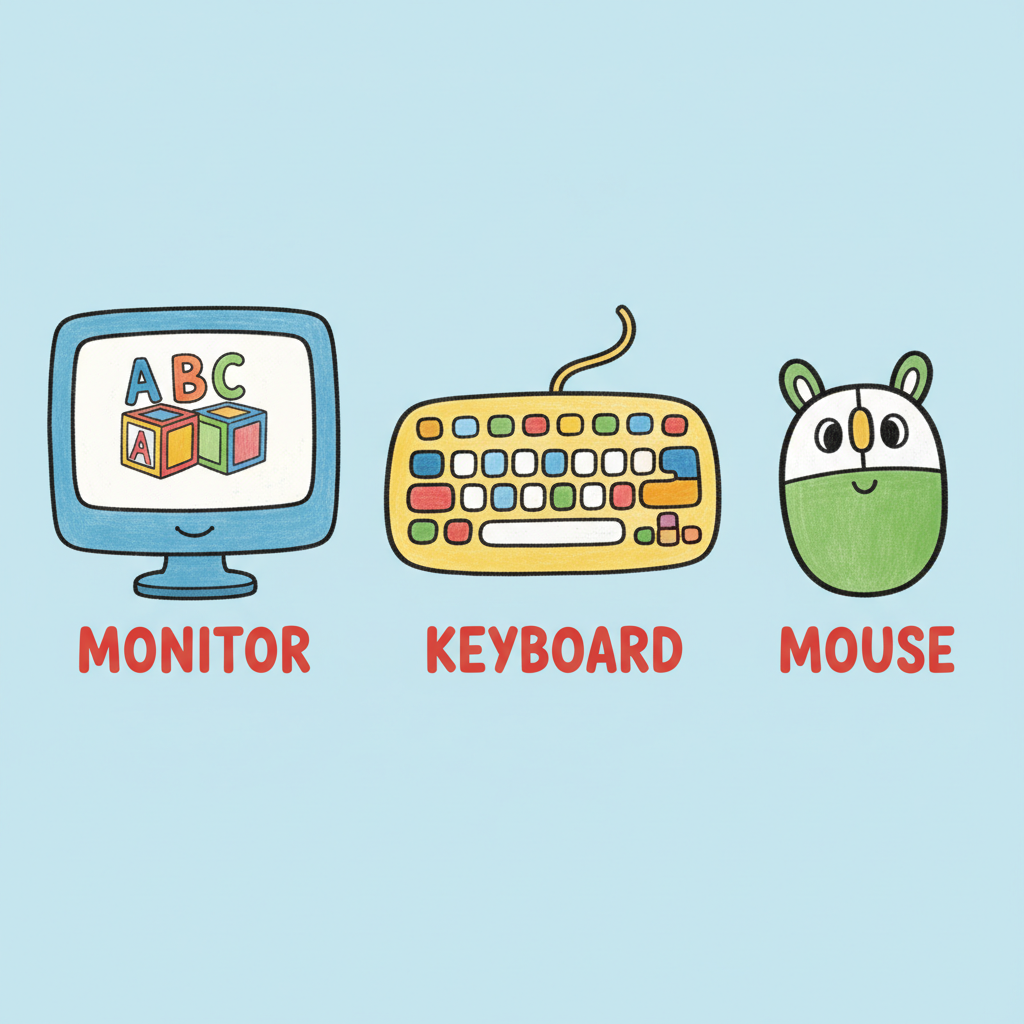
This is like a television screen where you see all the pictures, words, and videos. It's like a window into the computer's world. When you play a game, you see it on the screen! When your teacher shows you a cool animal video, you see it here too.
 ⚠️ This picture may have spelling mistakes. Trust the words in the lesson.
-
The Keyboard: Your Magic Typewriter!
The keyboard is a flat board with lots of buttons called keys. Each key has a letter, a number, or a special sign on it. When you press these keys, you can write words and numbers on the screen. It's like a super-fast pen that writes without ink! If you want to type your name, you use the keyboard.
-
The Mouse: Your Pointing Finger!
The mouse is a small gadget that fits in your hand. When you move the mouse on your desk, a little arrow (we call it a 'cursor') moves on the computer screen. It's like you're pointing your finger on the screen to choose things! You click the buttons on the mouse to tell the computer what you want it to do, like choosing a game to play or a picture to draw.
-
The Computer Box (or CPU): The Brain of the Computer!
Sometimes you see a big box next to the screen. This is like the computer's brain! It's where all the clever thinking happens. All the games, videos, and stories are stored inside this brain. Just like your brain helps you think and remember, the computer's brain helps it work and store information.
How Do We Use Computers at School? Fun, Fun, Fun!
Computers are super useful at school! They help us learn in so many exciting ways:
- Learning Games: We can play games that help us practice our letters, numbers, and even learn new words. It's like learning while playing your favorite board game!
- Drawing and Creating: We can use special programs to draw colorful pictures, just like using crayons, but on the screen! We can even make shapes and patterns.
- Watching Educational Videos: Sometimes, our teacher shows us videos about animals, space, or different countries. Computers help us see and hear these amazing things.
- Finding Information: With a grown-up's help, we can look up pictures of dinosaurs or learn how a seed grows into a flower. Computers have so much information!
- Listening to Stories: Some computers can even read stories aloud to us, which is perfect for quiet reading time.
Taking Care of Our Computer Friends: Be Gentle!
Computers are very special and a little bit delicate, just like your favorite toy. We need to treat them with care so they can keep helping us learn:
- Be Gentle: Don't push the keys too hard or bang on the mouse. Use a soft touch.
- Keep Food and Drinks Away: Just like you wouldn't want to spill juice on your storybook, keep snacks and drinks far away from the computer. Sticky keys are no fun!
- Ask for Help: If you don't know how to do something, or if the computer isn't working right, always ask your teacher or a grown-up for help. They are there to assist you!
- Clean Hands: Make sure your hands are clean before you use the computer.
Staying Safe Online: With a Grown-Up!
Sometimes, computers can connect to a very big network called the internet. The internet is like a giant library with millions of books and videos! It's super cool, but also a place where we need to be safe. Always remember:
- Always use the computer with a grown-up nearby. This is like holding hands with an adult when you cross a busy street. They keep you safe!
- Never share your name, address, or school name with anyone online. Your personal information is special, like your secret superhero identity!
- If you see something that makes you feel confused or scared, tell a grown-up right away.
Wow, we've learned so much about computers! They are truly amazing helpers that make our school days brighter and full of discovery. Keep exploring and have fun with your computer friends!
Keep learning, free
Create a free Syllabax account to unlock practice questions and games for this topic.
Visual Learning Enhanced! 🚀
To help you master this topic, we use Advanced Syllabax AI to generate detailed diagrams and visual models.
Note on Visuals: The AI sometimes makes spelling errors in image labels. Please refer to the lesson text for the correct terminology.