What is the Internet?
Watch this topic in 60 seconds
Free preview · Lesson 1
Understanding What is the Internet?
What is the Internet? A Journey Through the Global Network!
Hey there, young explorers! Have you ever wondered how you can watch your favorite cartoons online, talk to a grandparent who lives far away, or find out cool facts about dinosaurs with just a few clicks? All of this magic happens thanks to something called the Internet! But what exactly is the Internet? Let's take a fun journey to discover this amazing tool.
Imagine a Giant Spiderweb... but for Computers!
Think about a spiderweb. It connects many different points, right? The Internet is a bit like that, but instead of connecting leaves and branches, it connects computers all around the world! It's not a single thing you can touch, like a book or a toy. Instead, it's a huge, invisible network of wires, cables, and even wireless signals that lets computers talk to each other. It’s like the biggest phone system, mail service, and library all rolled into one, connecting millions and millions of devices.
The Internet as a Global Road System
Let's use an analogy. Imagine every computer, tablet, and smartphone in the world is like a house. Now, how do people send letters or visit each other's houses? They use roads, right? The Internet is like this massive, complex system of roads and highways that connect all these 'houses' (your devices) together. When you want to visit a website or send a message, it's like sending a car down these digital roads to reach another 'house' on the other side of the world, or even just across the street!
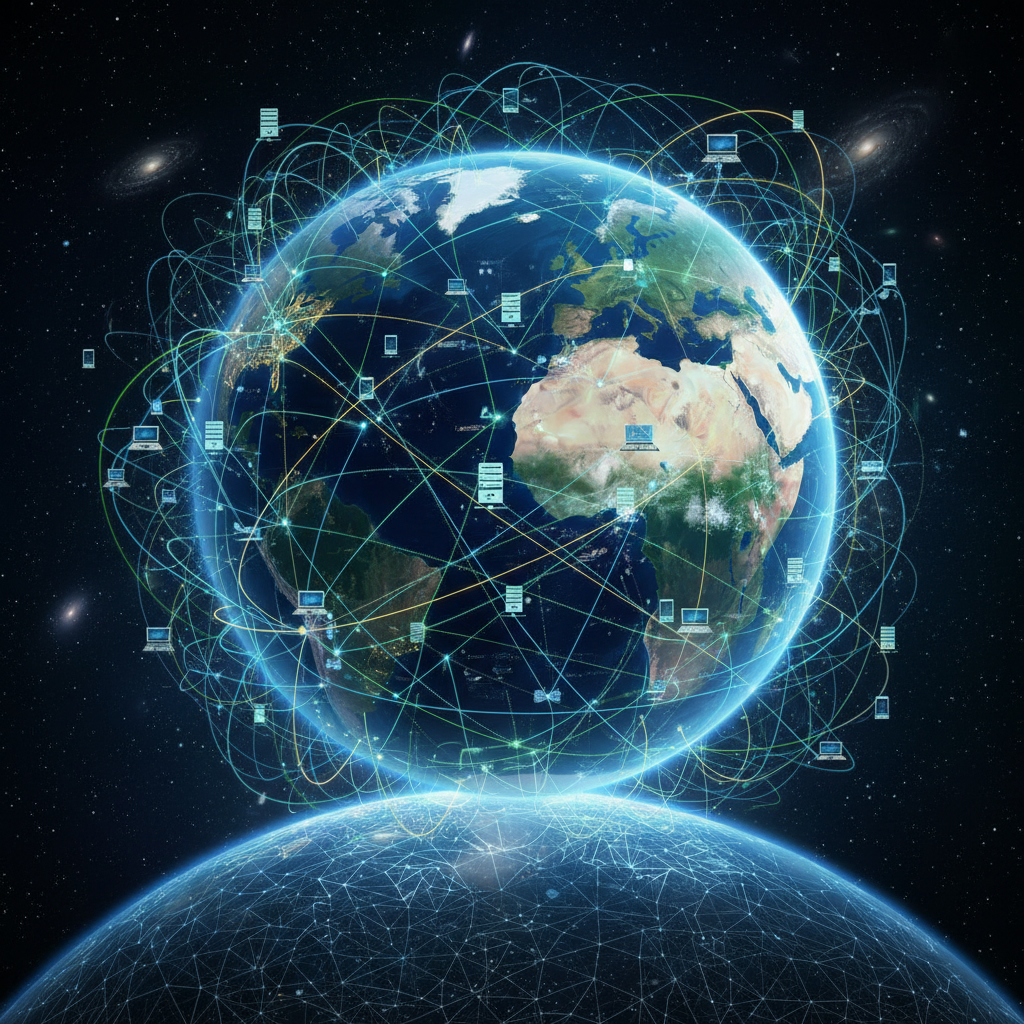 ⚠️ This picture may have spelling mistakes. Trust the words in the lesson.
How Does Information Travel? Speedy Delivery!
When you ask the Internet for something – like searching for a picture of a kitten or sending an email to a friend – your computer doesn't send the whole picture or email all at once. Instead, it breaks down that information into tiny little pieces, like taking a big pizza and cutting it into many slices. These small pieces are called data packets. Each packet has a label that tells it where to go and how to put itself back together with the other pieces when it arrives.
These data packets then zoom through different pathways. Some travel through very thin, super-fast cables called fiber optic cables, which are often buried deep underground or even under the ocean! Others travel through copper wires, like the ones that might bring electricity to your home. And sometimes, they even fly through the air as invisible radio waves, which is what happens when you use Wi-Fi.
Meet the Traffic Cops and Libraries: Routers and Servers!
So, how do these tiny data packets know where to go? They need help from some special devices:
-
Routers: Think of a router as a friendly traffic cop or a post office sorter. When a data packet arrives, the router looks at its address label and decides the best path for it to continue its journey. Routers make sure that all those packets go to the correct destination, guiding them through the fastest and least crowded digital 'roads'. Your home probably has a router that connects your devices to the bigger Internet 'highway'.
-
Servers: Imagine the world's biggest libraries or giant storage rooms filled with all the websites, videos, games, and emails you can imagine. These 'libraries' are called servers. When you type in a website address, your computer sends a request to a server that stores that website. The server then sends all the information (in those data packets!) back to your computer so you can see the webpage. There are millions of servers all over the world, constantly storing and sending information.
What Can You Do on the Internet? So Much Fun!
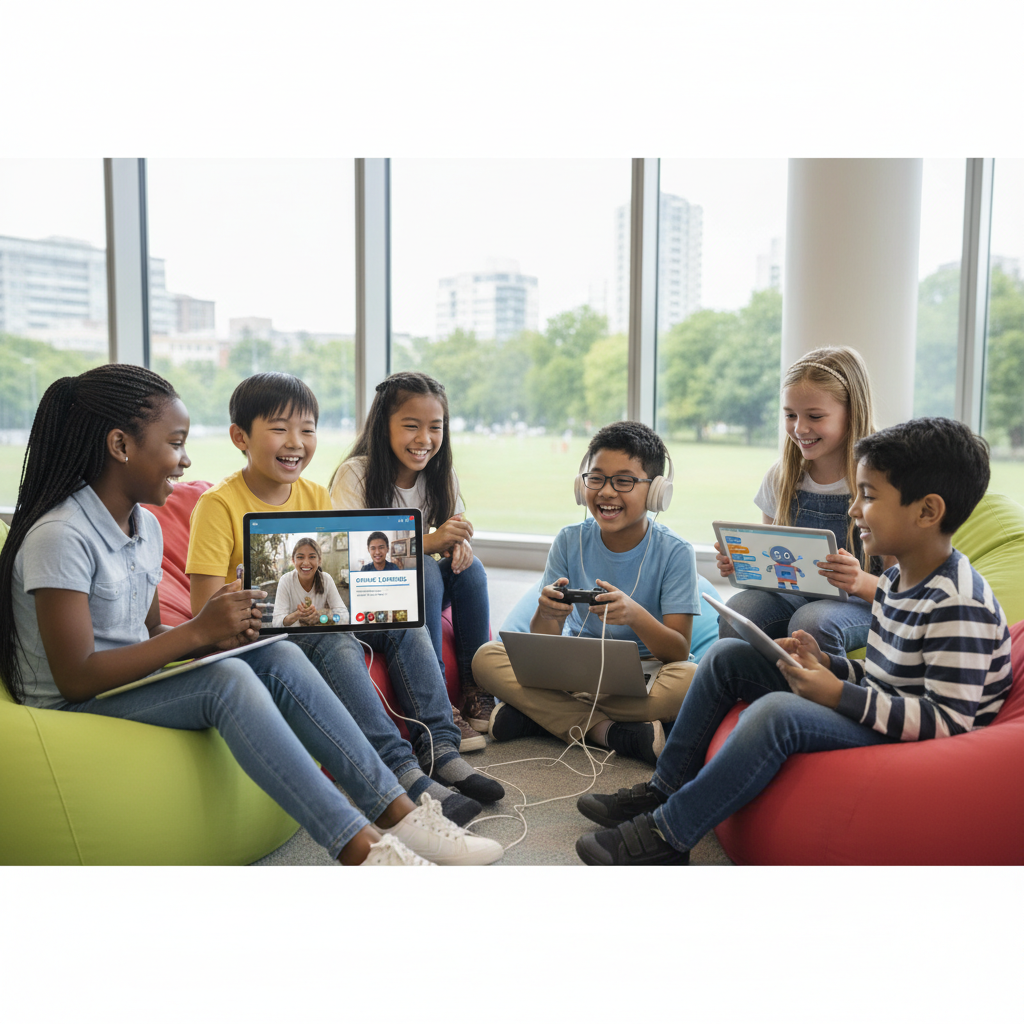
The Internet opens up a whole world of possibilities! Here are just a few things you can do:
-
Explore Websites: Like reading books or magazines in a gigantic library, you can visit countless websites to learn new things, read stories, or look at pictures.
-
Communicate with Friends and Family: You can send emails (like super-fast letters), chat with friends using instant messaging, or even make video calls to see and talk to people who live far away, almost like magic!
-
Watch Videos and Listen to Music: From educational videos to your favorite songs, the Internet has an endless supply of entertainment.
-
Play Games: Many games can be played online with friends or people from all over the world.
-
Learn New Things: Need to do homework? Want to learn how to draw? The Internet is an amazing tool for learning anything you can imagine!
Staying Safe Online
Just like how we have rules for playing safely outside or crossing the street, it's important to remember to be safe and smart when using the Internet. Always ask a trusted grown-up if you're unsure about something, and never share personal information like your full name, address, or phone number with strangers online. The Internet is a wonderful place, and using it wisely makes it even better!
The Internet: A Superpower in Your Hands!
So, the Internet is a massive, worldwide network that connects all sorts of devices, allowing them to share information instantly. It uses cables, wireless signals, routers to direct traffic, and servers to store all the amazing content you want to see. It’s like a giant, magical portal that lets you explore, learn, communicate, and play with the whole world right from your home. Isn't that incredible?
Keep learning, free
Create a free Syllabax account to unlock practice questions and games for this topic.
Visual Learning Enhanced! 🚀
To help you master this topic, we use Advanced Syllabax AI to generate detailed diagrams and visual models.
Note on Visuals: The AI sometimes makes spelling errors in image labels. Please refer to the lesson text for the correct terminology.