Learning Journey
Watch this topic in 60 seconds
Free preview · Lesson 1
Understanding Sorting Data Categories
Let's Get Organized! Sorting Data Categories (Grade 3)
Hello, young learners! Have you ever looked at a big pile of toys or a mixed-up drawer of socks and thought, "Oh my, this is a mess!"? Well, guess what? Our brains love things to be neat and tidy, especially when it comes to information! Today, we're going to become super-sorters and learn all about 'Sorting Data Categories'. It sounds fancy, but it's really just a smart way to organize information!
What is Data? (It's All Around You!)
First, let's talk about 'data'. Data is just a fancy word for information or facts. Think about it like this: everything you know, see, or measure can be data!
- Your favorite color? That's data!
- The number of students in your class? That's data!
- The different types of animals at the zoo? That's data!
- The different kinds of fruits you like to eat? That's data!
Imagine your whole house is full of 'data'. Your socks are data, your books are data, your snacks are data! It's just pieces of information about things.
What is a Category? (Making Smart Groups!)
Now that we know what data is, let's talk about 'categories'. A category is a group of things that share something in common. It's like a special club where only certain members are allowed because they have similar features.
Think about your toys. You probably have a box for LEGOs, a basket for stuffed animals, and a shelf for board games. Each of those—LEGOs, stuffed animals, board games—is a category! They are groups of toys that are alike in some way.
- All your red blocks belong to the 'Red' color category.
- All your books about animals belong to the 'Animal Books' category.
- All your friends who like to play soccer belong to the 'Soccer Friends' category.
Categories help us make sense of all the different 'data' around us.
What is Sorting? (Putting Things Where They Belong!)
So, we have 'data' (our information or facts) and 'categories' (our smart groups). Now, what do we do with them? We sort them! Sorting means putting data or items into their correct categories.
It's like when you help fold laundry:
- All the socks go in the sock drawer (Category: Socks).
- All the shirts go in the shirt drawer (Category: Shirts).
- All the pants go in the pants drawer (Category: Pants).
You are *sorting* the laundry into different *categories*!
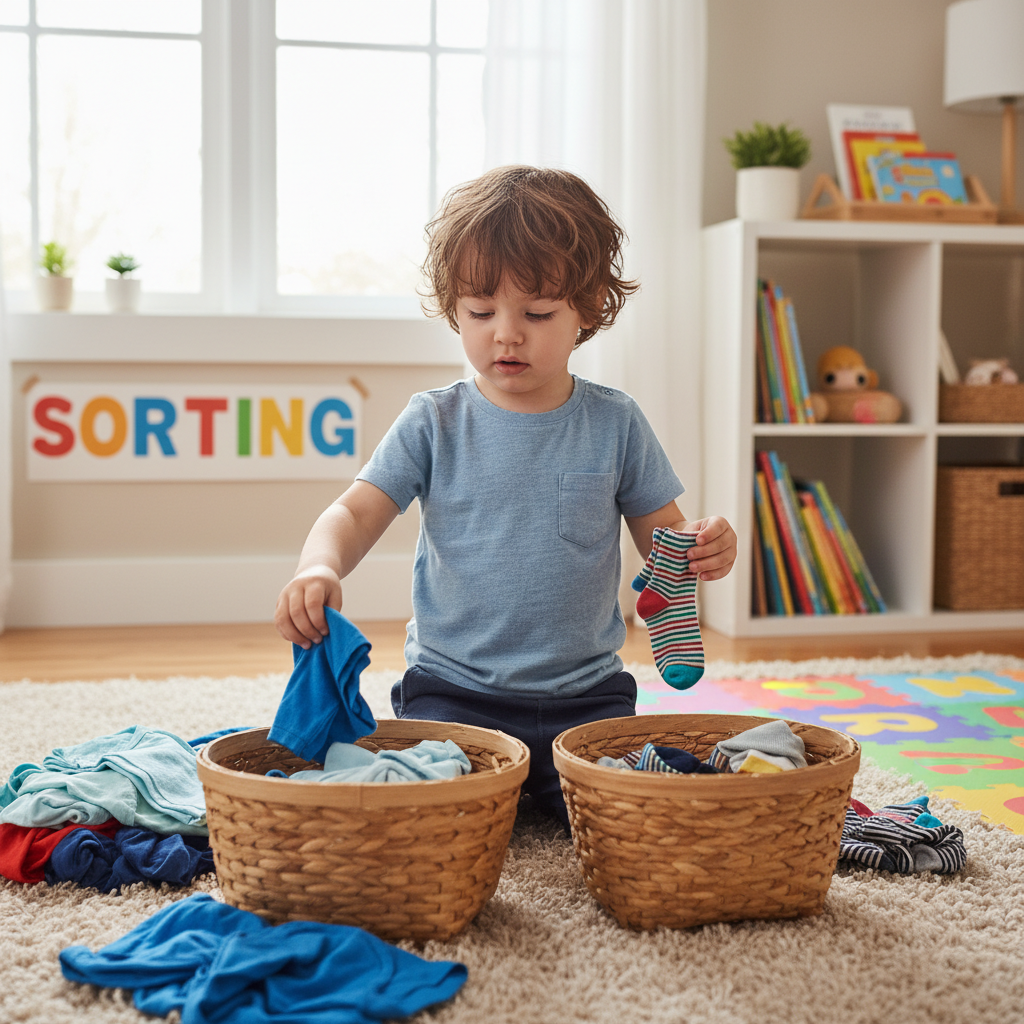
We do this all the time without even thinking about it!
Let's Sort Some Data Categories!
Imagine you have a big basket full of different pictures:
- A picture of a dog
- A picture of a cat
- A picture of a cow
- A picture of a fish
- A picture of a chicken
- A picture of a bird
How could you sort these pictures into categories? Here are some ideas:
Idea 1: Sort by "Where They Live"
- Category: Pets (Dog, Cat, Fish)
- Category: Farm Animals (Cow, Chicken)
- Category: Wild Animals/Birds (Bird - though a bird could also be a pet!)
Idea 2: Sort by "How Many Legs They Have"
- Category: Four Legs (Dog, Cat, Cow)
- Category: Two Legs (Chicken, Bird)
- Category: No Legs / Fins (Fish)
See? You can sort the same data in different ways, depending on what categories you choose!
Why is Sorting Data Important?
Sorting data into categories is super helpful! Here's why:
- Finding Things Easily: If all your red LEGOs are in one box, it's easy to find a red LEGO, right? If all the 'Farm Animal' pictures are together, it's easy to find a picture of a cow!
- Understanding Information Better: When things are organized, it's easier to see patterns and understand what's going on. If you sort your favorite fruits by color, you might notice you like a lot of red fruits!
- Making Decisions: If you need to pick a healthy snack, sorting your snacks into 'Fruits', 'Vegetables', and 'Treats' can help you choose quickly.
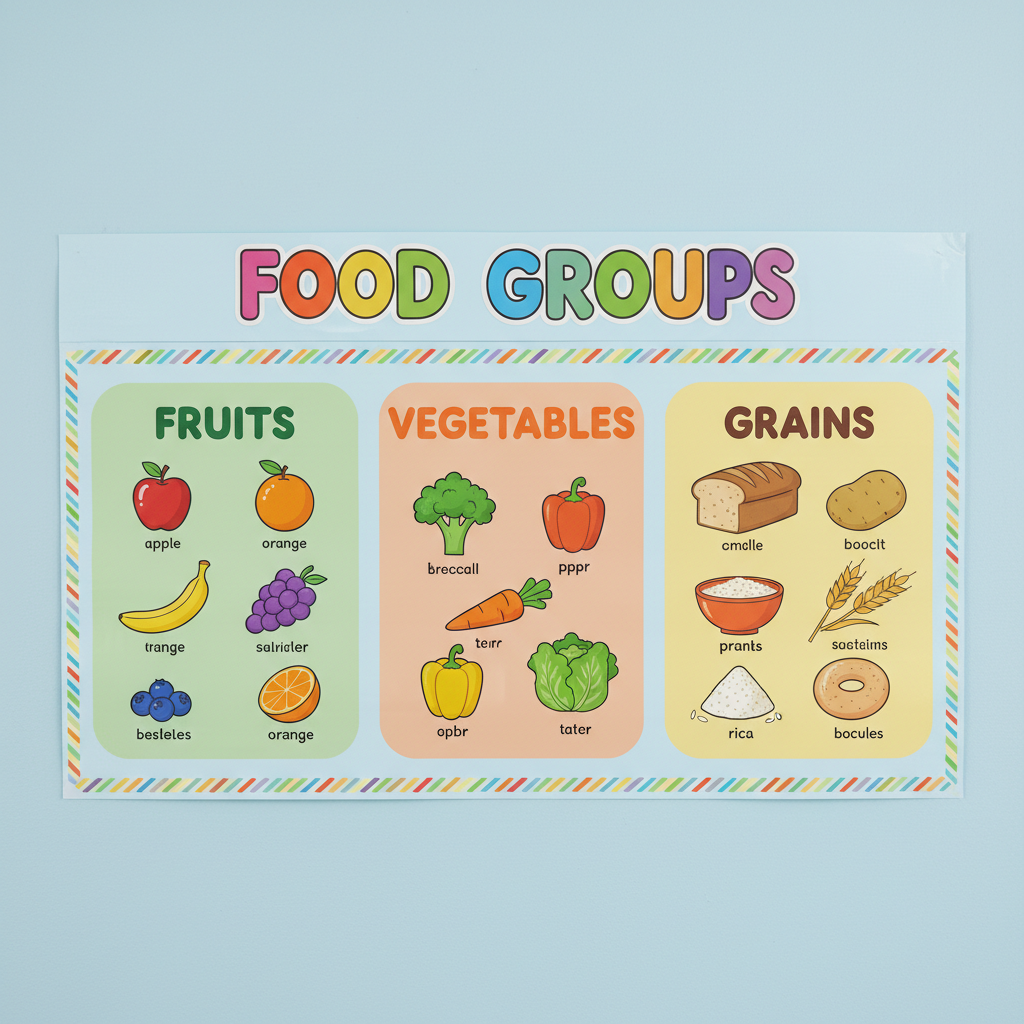 ⚠️ This picture may have spelling mistakes. Trust the words in the lesson.
Sorting data categories is like being a detective for information, putting every piece in its right place so you can solve mysteries and learn new things. Keep practicing, and you'll be a data sorting superstar!
Keep learning, free
Create a free Syllabax account to unlock practice questions and games for this topic.
Visual Learning Enhanced! 🚀
To help you master this topic, we use Advanced Syllabax AI to generate detailed diagrams and visual models.
Note on Visuals: The AI sometimes makes spelling errors in image labels. Please refer to the lesson text for the correct terminology.