Digital Storytelling
Watch this topic in 60 seconds
Free preview · Lesson 1
Understanding Digital Storytelling
Welcome to Digital Storytelling!
Hello, young storytellers! Have you ever told a friend what you did over the weekend? Or maybe you've drawn pictures to go along with a made-up adventure? That's what telling a story is all about! But what if we could use computers or tablets to tell our stories? That's exactly what we're going to learn today – Digital Storytelling!
What is Digital?
First, let's talk about the word 'digital.' When we say 'digital,' we're talking about things that use computers, tablets, or even your mom's smartphone. Think about watching a cartoon on a screen or playing a game on a tablet. Those are all 'digital' things. It's like a special, modern way to do things with electricity and screens!
What is Storytelling?
Next, let's remember 'storytelling.' Storytelling is when you share an adventure, a memory, or something you made up with other people. It could be about a brave knight, a talking animal, or even what you had for breakfast! When you tell a story, you're taking people on a journey with your words.
Putting it Together: Digital Storytelling!
So, if 'digital' means using computers and 'storytelling' means sharing a story, what is Digital Storytelling? It's telling a story using a computer, tablet, or another digital device! Instead of just drawing pictures on paper or just talking, you can use digital pictures, sounds, and even your own voice to make your story super special and come alive on a screen.
Imagine your favorite picture book, but all the pictures move a little, and you can hear the characters talk, and there's music in the background! That's a bit like what a digital story can be. It's like making your very own mini-movie or a talking picture book!
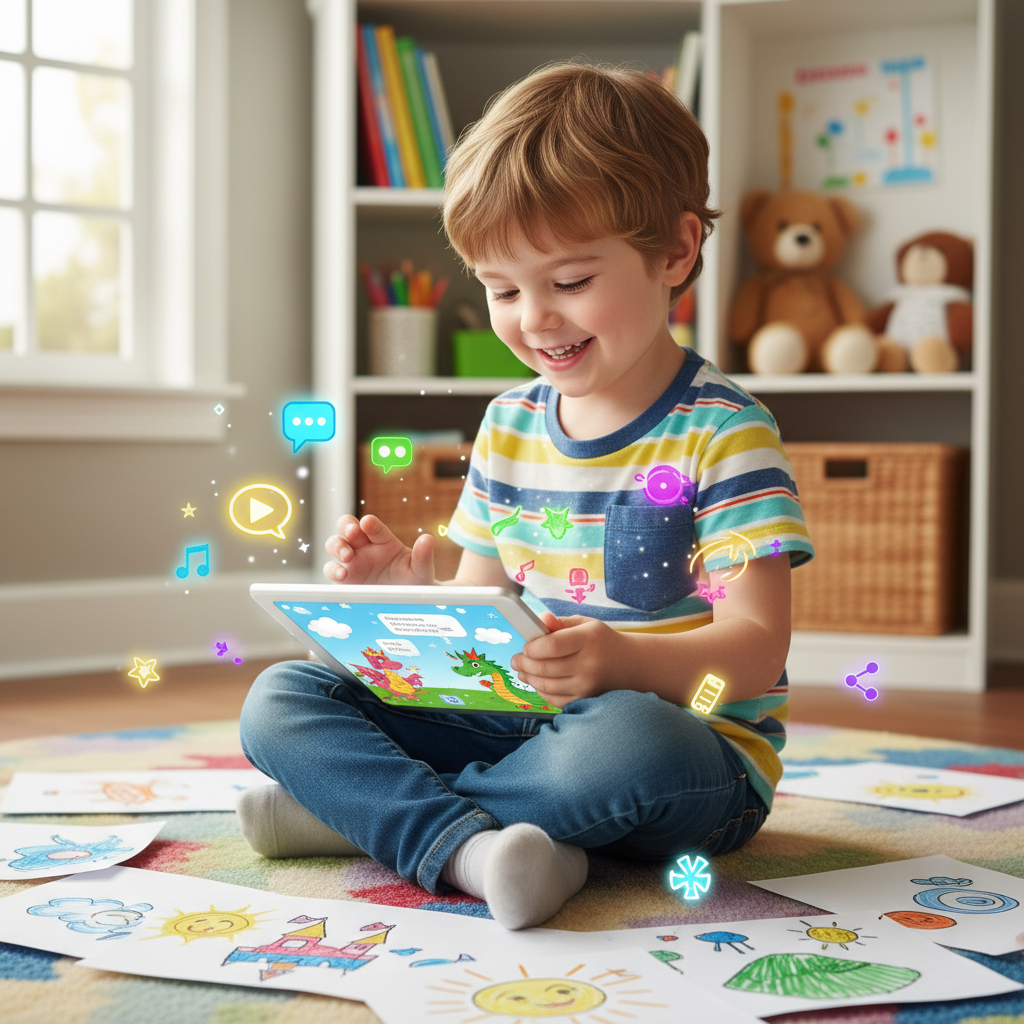 ⚠️ This picture may have spelling mistakes. Trust the words in the lesson.
What Are the Pieces of a Digital Story?
Every good story, whether it's digital or not, has important parts. Let's look at them:
- Characters: Who is in your story?
Just like in your favorite cartoon, a story needs characters. These are the people, animals, or even robots that the story is about. They are the 'who' of your story. Are they brave? Are they silly? Are they tiny mice or giant dragons? You decide! - Setting: Where does your story happen?
Every story takes place somewhere! This 'somewhere' is called the setting. Is your story in a deep, dark forest? On a spaceship flying to the moon? Or maybe in a sunny park right outside your window? The setting helps us imagine where the adventure unfolds. - Plot/Events: What happens in your story?
This is the most exciting part! The plot is what happens from the beginning to the end. It's like the journey your characters go on, with all the exciting things they do, the problems they solve, and the fun they have. This is the 'what happens' of your story.
Now, for the 'digital' parts that make your story sparkle:
- Pictures or Images: Showing what's happening!
Instead of just words, digital stories use pictures! These pictures can be drawings you make, photos you take, or images you find (with a grown-up's help!). They are like the clothes your story wears – they make it colorful and easy to see what's going on. - Sound and Music: Making your story feel just right!
Imagine watching a spooky movie without any spooky music! It wouldn't feel as scary, right? Digital stories can have sounds like a bird singing, a car zooming by, or even soft, happy music. Sounds are like the feelings of your story – they help us know if it's happy, sad, or exciting! - Your Voice: You are the narrator!
The best part is, you can record your own voice telling the story! You can read what's happening, explain what your characters are doing, or even make different voices for them. Your voice is like the tour guide of your story, leading everyone through your amazing adventure!
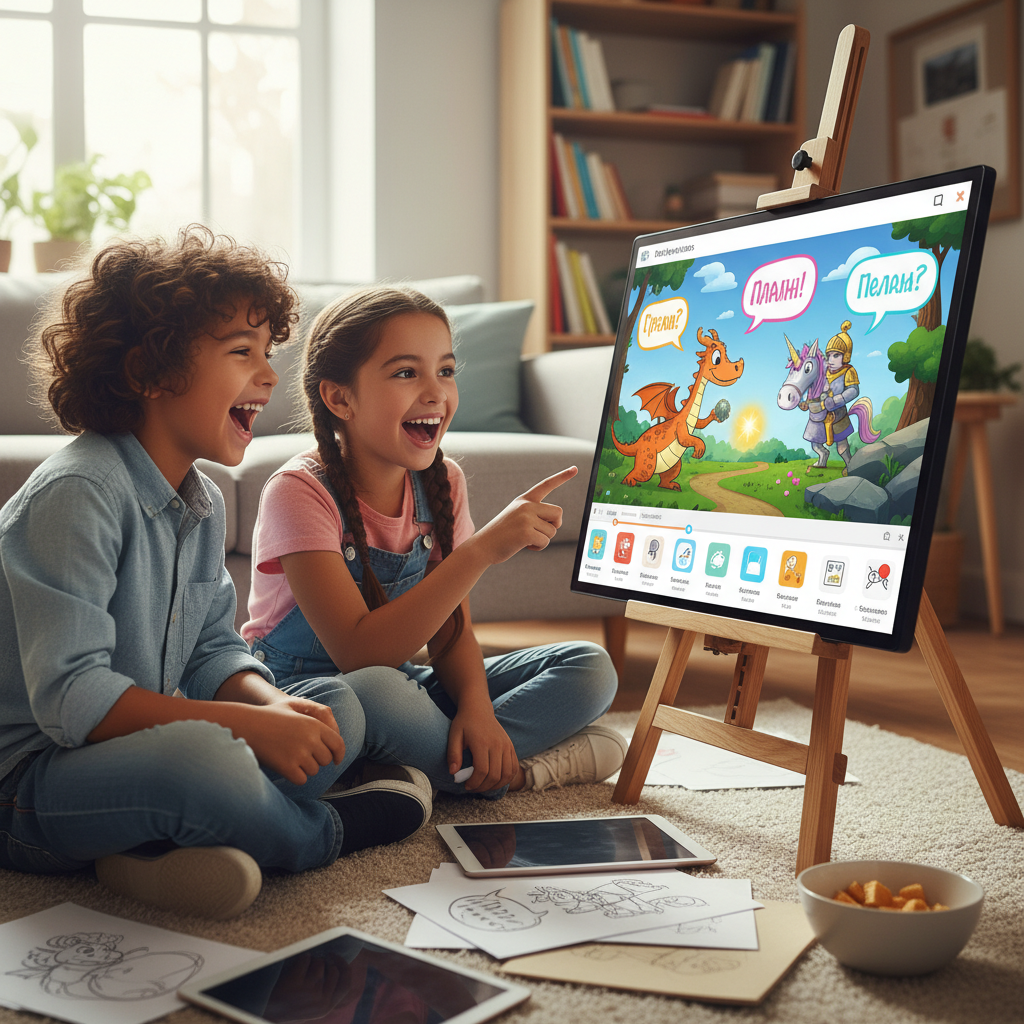 ⚠️ This picture may have spelling mistakes. Trust the words in the lesson.
How Do You Make a Digital Story? (The Super Simple Way!)
It sounds like a lot, but making a digital story can be super fun and easy! Here are the basic steps, like following a recipe for your favorite cookies:
- Think of an Idea! What story do you want to tell? Is it about a magical tree? Your pet's amazing day? Or a journey to find a hidden treasure?
- Gather Your Pictures! Once you know your story, find or draw pictures that show what's happening. Each picture can be like a page in your digital book.
- Record Your Voice! Practice telling your story out loud. Then, with a grown-up's help, you can record your voice talking about each picture.
- Put It All Together! There are special apps and computer programs that let you put your pictures and your voice together, just like building with LEGOs! You can arrange them in the right order and make your story flow.
- Share Your Story! Once it's done, you can share your digital story with your family, friends, and classmates! It's like putting on a special show you made all by yourself!
Why is Digital Storytelling Awesome?
Digital storytelling is so much fun because it lets you be a writer, an artist, a director, and an actor all at once! You get to use your imagination and cool technology to share your ideas with the world. It's a wonderful way to bring your stories to life in a whole new, exciting way!
Now you know the basics of digital storytelling. Get ready to explore and create your own amazing digital adventures!
Keep learning, free
Create a free Syllabax account to unlock practice questions and games for this topic.
Visual Learning Enhanced! 🚀
To help you master this topic, we use Advanced Syllabax AI to generate detailed diagrams and visual models.
Note on Visuals: The AI sometimes makes spelling errors in image labels. Please refer to the lesson text for the correct terminology.