What is a Computer?
Watch this topic in 60 seconds
Free preview · Lesson 1
Understanding What is a Computer?
What is a Computer? Your Amazing Helper!
Hello, young explorers! Today, we're going on an exciting adventure to learn about something super cool that helps us every single day: a computer!
What is a Computer? Imagine a Smart Helper!
Think of a computer like a super-smart friend or a very helpful robot. It's a special kind of machine that can do many amazing things very, very fast. It doesn't have arms or legs like us, but it has a special "brain" that helps it think and follow instructions.
Analogy: Imagine you have a magical toy box. You tell the toy box, "Please find my red ball!" And *zap*! The toy box quickly finds it for you. A computer is a bit like that magical toy box, but it can do much more than just find toys!
What Can Computers Do? Lots of Super Powers!
Computers have a few main superpowers. Let's learn about them:
1. Thinking and Calculating (Like a Super Brain!)
Computers are amazing at math! They can add, subtract, multiply, and divide huge numbers much faster than any human. They can solve puzzles and figure things out super quickly.
- Analogy: Have you ever used a calculator? A calculator is like a tiny computer brain that only does numbers. A big computer can do all that math and much, much more! It's like having a super-fast math wizard helping you.
2. Storing Information (Like a Big Memory Box!)
Computers can remember so many things! They can store your favorite pictures, your coolest drawings, your favorite songs, and even whole movies! This is called "storing data" or "memory."
- Analogy: Think of your brain! Your brain remembers your friend's names, your favorite color, and what you did yesterday. A computer has a special "memory box" inside it that remembers things too. It's like a giant bookshelf filled with books, but instead of books, it stores information like pictures and games!
3. Following Instructions (Like a Robot Helper!)
Computers are really good at doing exactly what you tell them to do. You give them instructions (like clicking a button or typing a word), and they follow those instructions perfectly.
- Analogy: Imagine you are building with LEGOs, and you have a step-by-step instruction booklet. If you follow each step, you build exactly what the booklet shows. Computers are like super good at following those kinds of instructions, but much faster! We "talk" to computers using special buttons and things called "apps."
4. Showing Information (Like a Magic Window!)
Computers can show you pictures, videos, and words on a screen. This is how they "talk" back to you and show you what they are doing or what you asked them to find.
- Analogy: Look at a TV! It shows you cartoons and movies. A computer screen is like a special TV that can also show you your games, your drawings, and what you're typing. It's a magic window into the computer's world!
Where Do We See Computers? They Are Everywhere!
You might think of a computer as a big box on a desk, but computers come in all shapes and sizes! They are hidden all around us.
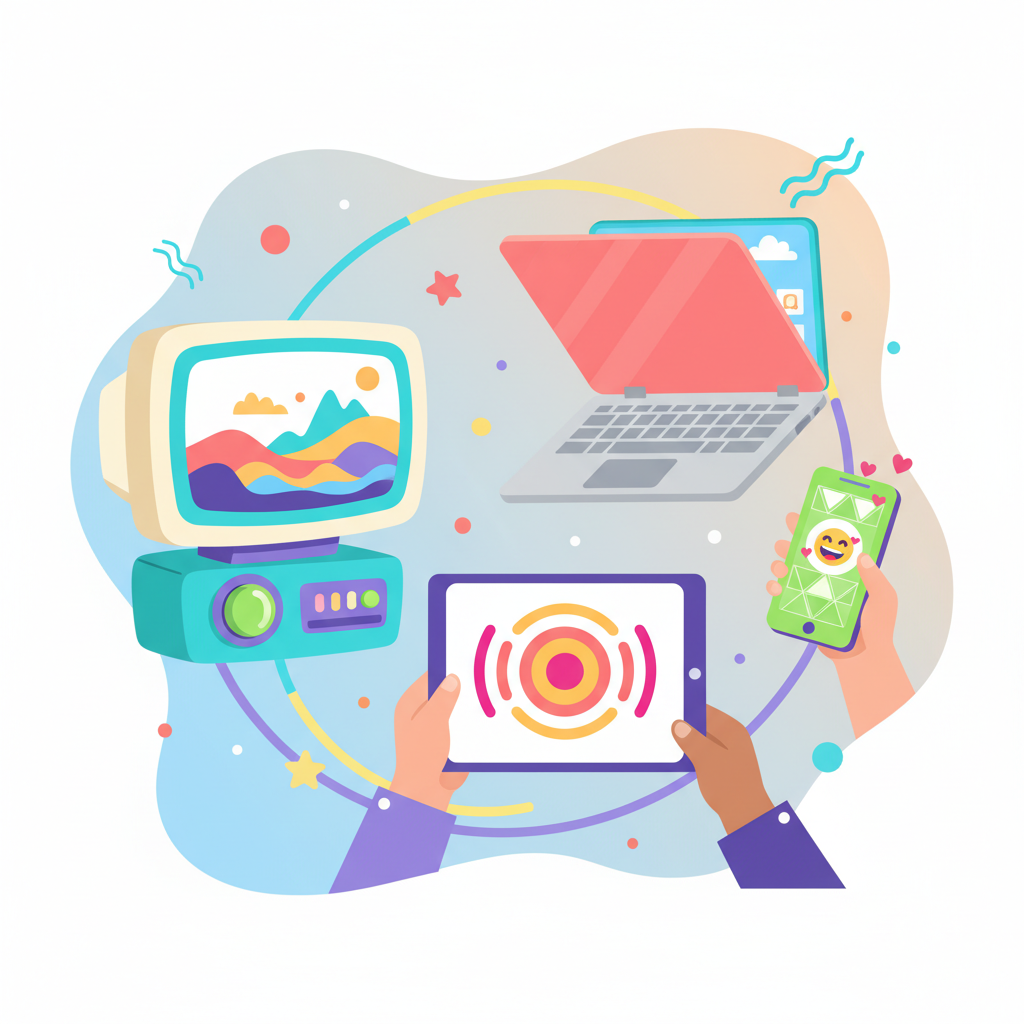 ⚠️ This picture may have spelling mistakes. Trust the words in the lesson.
1. Desktop Computers
These are often found in schools or homes. They usually have a separate screen, keyboard, and mouse.
- Analogy: Think of a big, sturdy workbench for learning and playing games!
2. Laptops
Laptops are like portable desktops! You can fold them up and carry them with you. They have a screen, keyboard, and a special touch area (called a trackpad) all in one piece.
- Analogy: A laptop is like a magical storybook you can open up anywhere to learn and play!
3. Tablets and Smartphones
These are even smaller! Tablets are flat screens you touch with your fingers, and smartphones are tiny computers that fit in your pocket, perfect for calls, games, and taking pictures.
- Analogy: Your tablet is like a super-thin magic drawing board, and your phone is like a tiny walkie-talkie with a computer brain inside!
4. Hidden Computers!
Guess what? There are tiny computers inside many other things you use every day! Like inside your parent's car, in the microwave oven, in a smart watch, or even at the traffic lights!
- Analogy: These are like tiny, invisible helpers making other machines work smarter. They are the "secret brains" of many devices!
What Are the Main Parts of a Computer?
Even though computers look different, many of them have similar important parts, like a face has eyes and a nose.
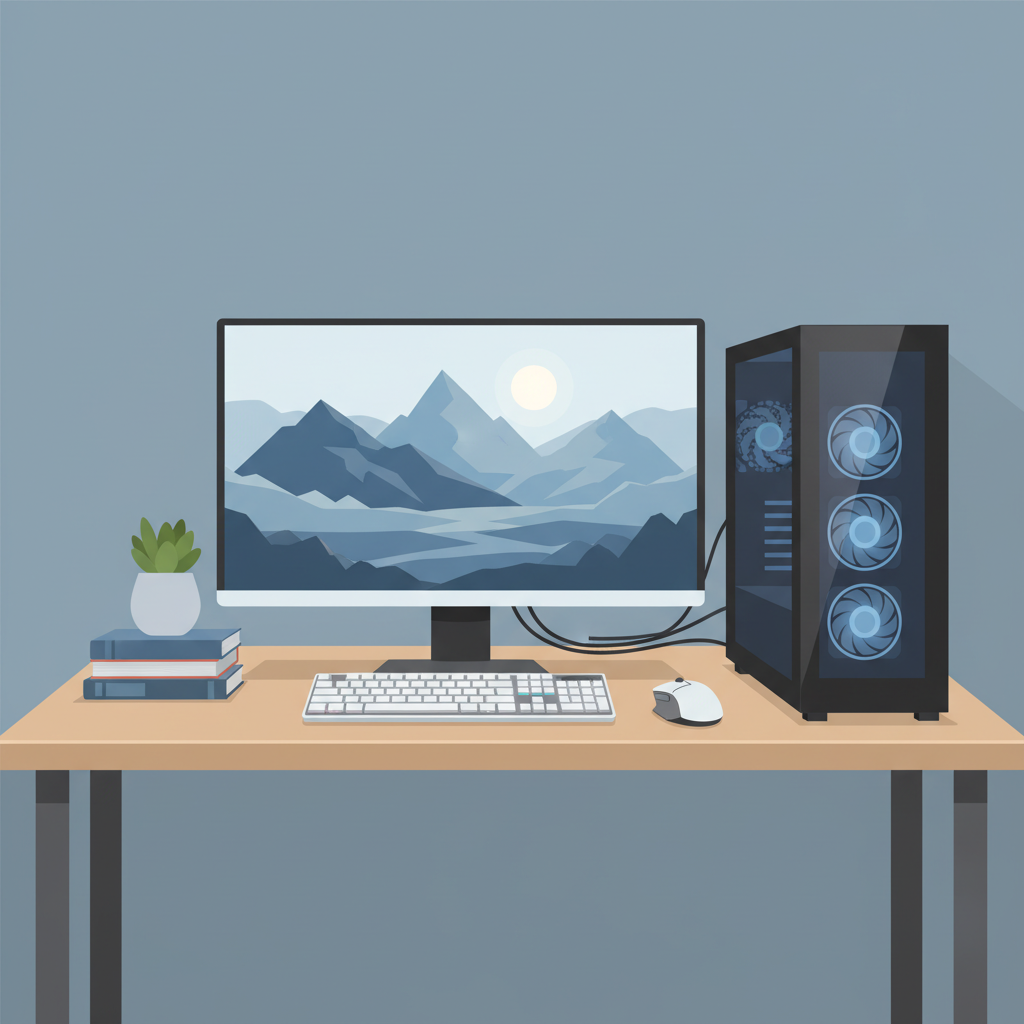
1. The Screen (Monitor)
This is where you see everything! Pictures, videos, words, and your games.
- Analogy: It's the computer's face, or a special TV just for the computer.
2. The Keyboard
This is a board with lots of buttons (keys) on it. You press these keys to type words and numbers, and to give instructions to the computer.
- Analogy: It's like a super special typewriter that sends messages to the computer's brain.
3. The Mouse
This is a small device you move on your desk. When you move the mouse, a little arrow (called a cursor) moves on the screen. You click buttons on the mouse to select things or give commands.
- Analogy: It's like the computer's pointer finger! You use it to point to things on the screen.
4. The Computer's Brain (The Tower or System Unit)
This is often a box that sits next to the screen (or sometimes it's built right into the screen, like with an iMac). Inside this box is the computer's real brain, called the CPU, and its memory. This is where all the thinking and remembering happens!
- Analogy: This is the control center, the main engine room, or the actual "brain" of the computer! It's where all the magic starts.
How Do We Use Computers?
We use computers for so many fun and important things!
- Learning: We can find answers to questions, read stories, and learn new things.
- Playing: We can play games, draw pictures, and watch videos.
- Talking: We can talk to friends and family who live far away using video calls.
- Creating: We can write our own stories, make music, and design cool stuff.
Conclusion: Computers Are Our Helpful Friends!
So, a computer is a super-smart machine that helps us think, remember, follow instructions, and show us information. They come in many sizes and are hidden all around us, making our lives easier and more fun. They are truly amazing helpers!
Keep learning, free
Create a free Syllabax account to unlock practice questions and games for this topic.
Visual Learning Enhanced! 🚀
To help you master this topic, we use Advanced Syllabax AI to generate detailed diagrams and visual models.
Note on Visuals: The AI sometimes makes spelling errors in image labels. Please refer to the lesson text for the correct terminology.